
Home explained
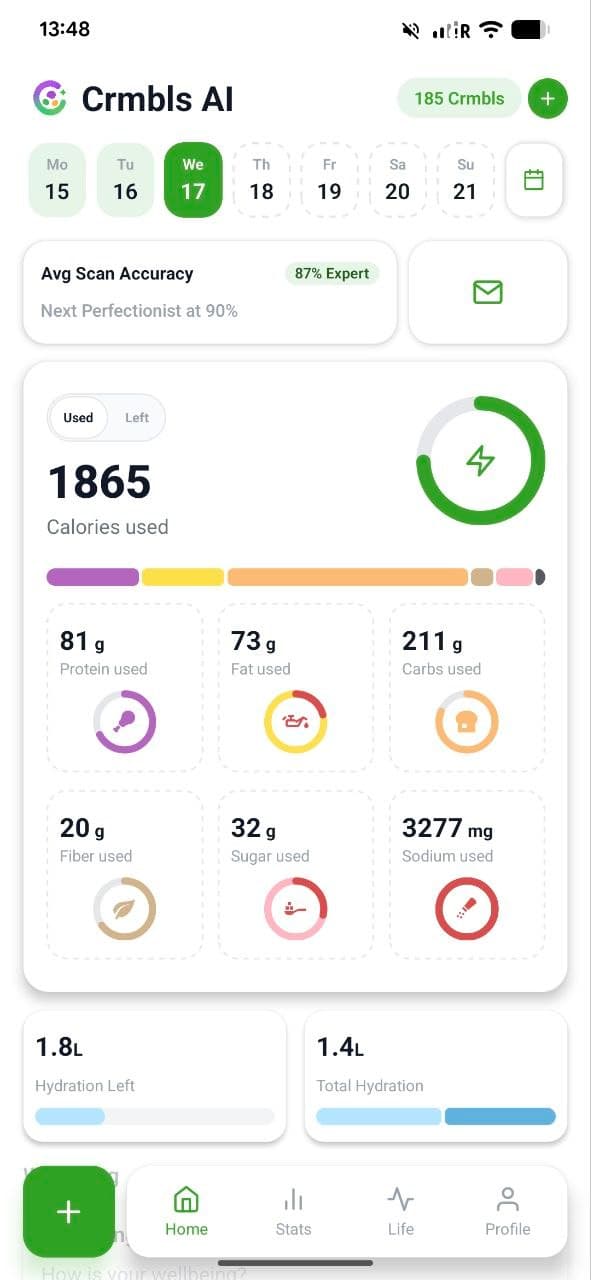
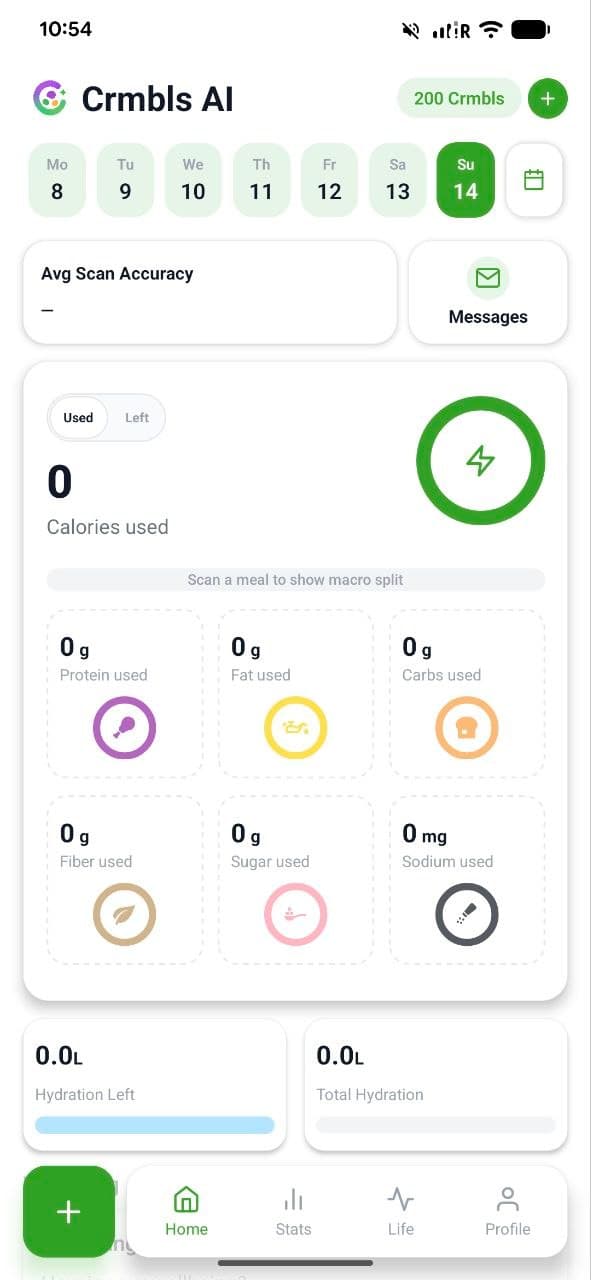
Your day begins on the home screen with a clear overview. At the top, you'll see your Crmbls balance. Below, you can switch between the days of the week by tapping or swiping. The average accuracy shows you how reliable your saved values are on average. In the main area, you'll see your most important daily values. You can switch between "Used" and "Left" by double-tapping within the area. "Used" shows what you've consumed that day. Below that, you'll find "Hydration." Further down, you'll also see "Wellbeing" and your daily logs.